Finder thumbnails
See R3D and MXF frames where Finder would otherwise show a file icon.
Cinebrowser for Mac
Play. Find. Look closer. Keep the good parts.
A little less between you and your footage.
Before you build a timeline, get to know your footage. See every take, find familiar faces, and keep the moments that matter.
01 / See
Camera originals, a focused viewer, and room to look closer. Try a LUT and compare it with the original as you watch.
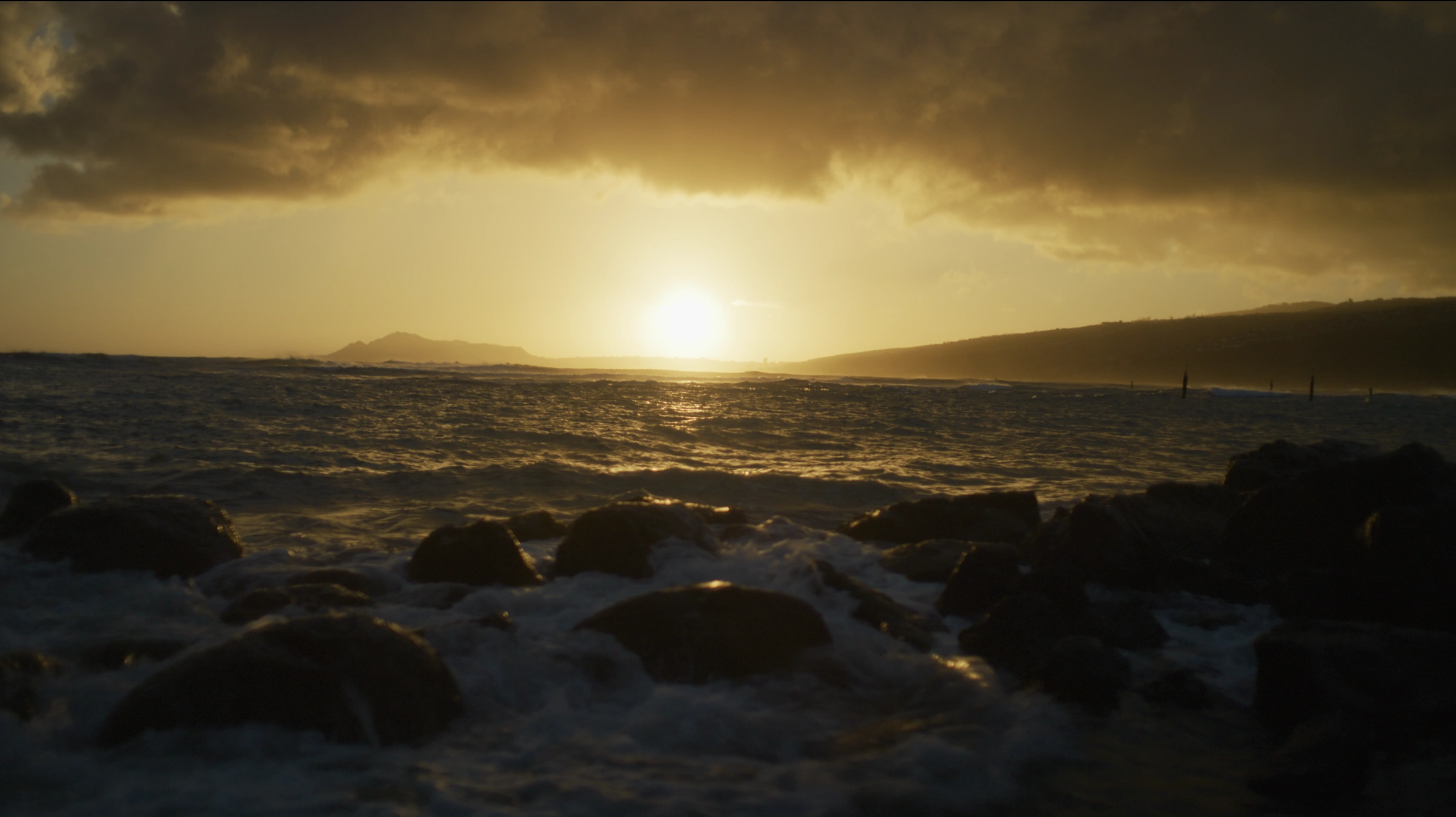
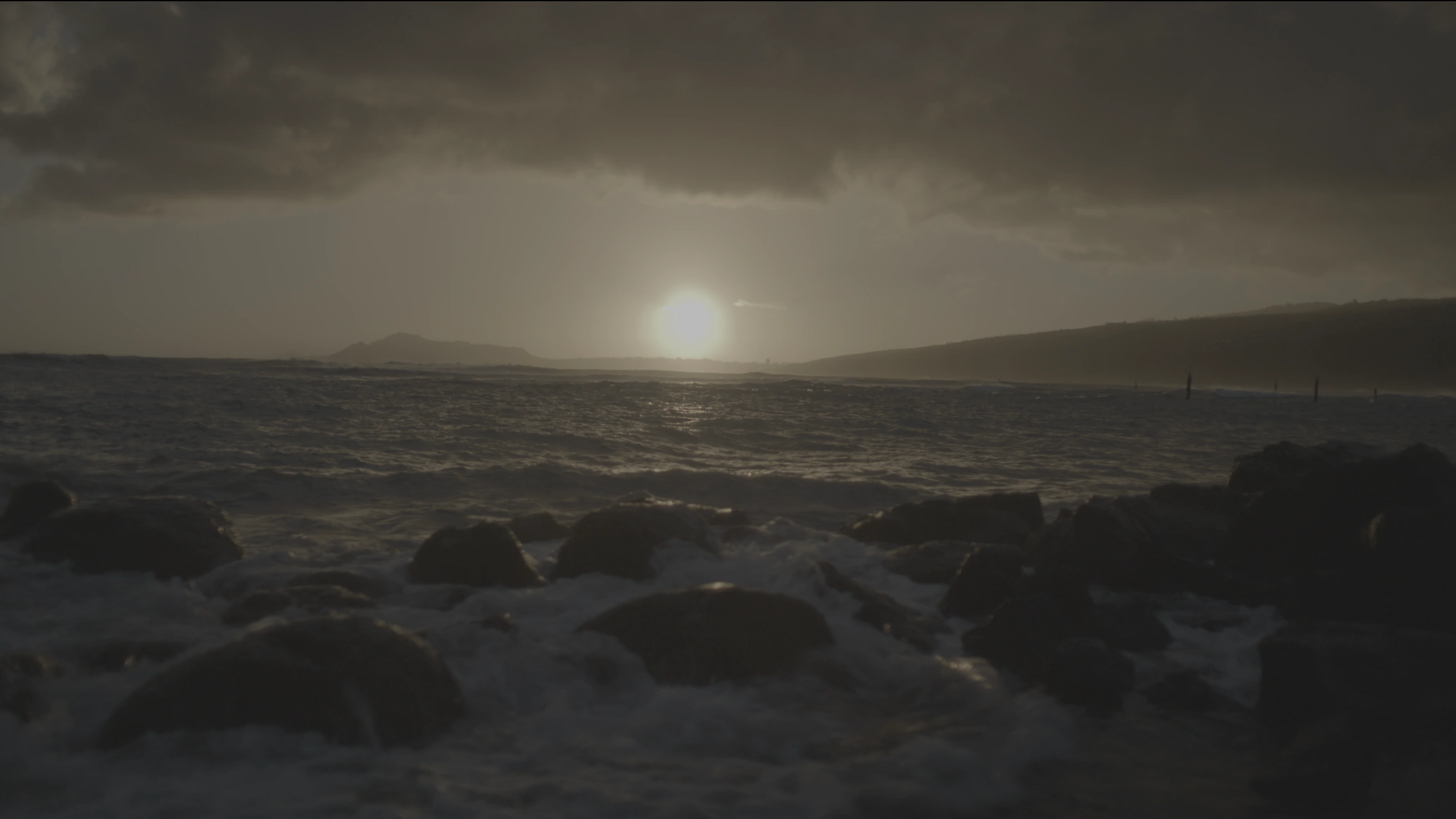
Your image. A different feeling.
02 / Find
A filename, a face, a few words about the scene. One search finds the clip and marks matching moments on its timeline.
Footage analysis stays on your Mac.
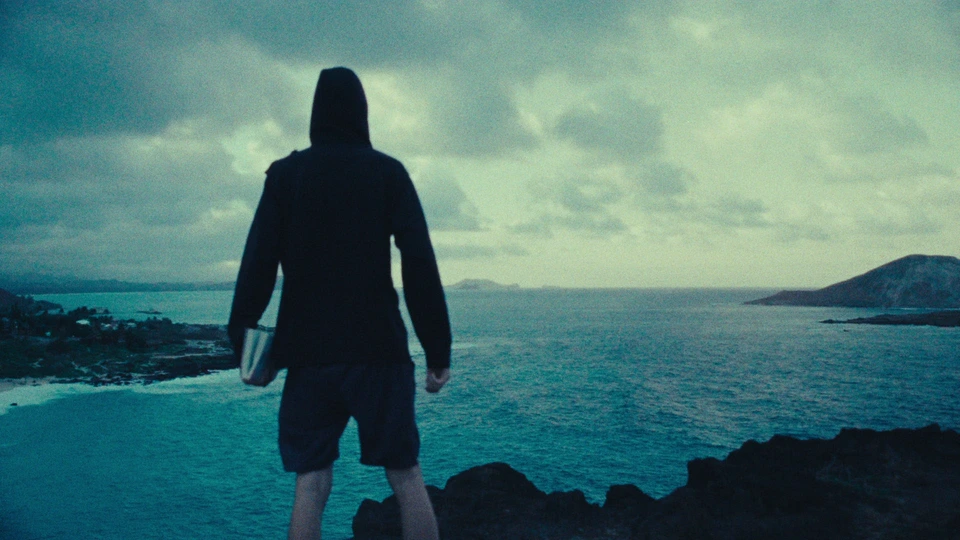

Search by what you see.
A familiar face. A faster find.
Name the faces Cinebrowser detects, then find the clips they appear in. Jump straight to matching moments on the timeline.
Face detection on your Mac. No uploads.03 / Keep
Set In. Set Out. Save the moment as a new clip. Your selects, notes, and markers stay together, ready for the edit.
Click a key to preview either end of the range.
Your camera. Your files. Your way.
From a cinema camera to the phone in your pocket.
Native R3D playback with picture and sound.
XAVC and XAVC-Intra in MXF, with timecode and camera metadata where available.
ProRes, H.264 and HEVC in common MOV and MP4 files. Support depends on the codec inside the file.
Blackmagic and ARRI RAW use a compatible companion preview when present. Native RAW support varies by format.
Useful tools. Right where you need them.
See R3D and MXF frames where Finder would otherwise show a file icon.
Source timecode, frame counts, camera details and recording information.
Save a PNG with a frame-number filename, or copy a frame to the clipboard.
Use built-in camera looks or your own .cube files. Adjust and compare.
Adjust exposure and color. Check scopes, false color, zebras and focus peaking.
Inspect red, green, blue, luma or alpha on its own.
Look closer, move around the image and check a different framing ratio.
Flip, rotate and desqueeze the viewer to see footage the way you need.
See channel levels beside the player, with mute, solo and mono controls.
Set In and Out. Save a clip or export supported footage with its look.
Keep ratings and timecoded notes. Send markers and selects to your editor.
Return to your folders, notes and cached thumbnails when a drive is offline.
Finder thumbnails support R3D and MXF. R3D previews can use a cached frame or a camera companion file.
Encoded exports offer ProRes 422, ProRes 4444, H.264 and HEVC for compatible MOV and MP4 sources. LUT baking is available for supported exports. R3D and MXF use their own trim paths; cut boundaries depend on the format.
Offline projects retain saved information and cached images. Reconnect the source drive to play or export the footage.
Before you press play.
Yes. Create an account and activate a 14-day trial in the app. No card required; buy a license to continue after the trial. Download the Mac app.
No. Smart Search and face detection analyze your footage on your Mac. Your source files are not uploaded for analysis.
Your saved project keeps its folders, notes, and cached thumbnails. Reconnect the source drive when you want to play or export the footage.

Made between shoots.
Try every feature for 14 days. Then choose a license.
Download for MacWindows is in development. Pricing & licensing
Open the downloaded installer and drag Cine Browser into Applications. The app is signed and notarized by Apple. Sign in to activate a license or start your 14-day trial.